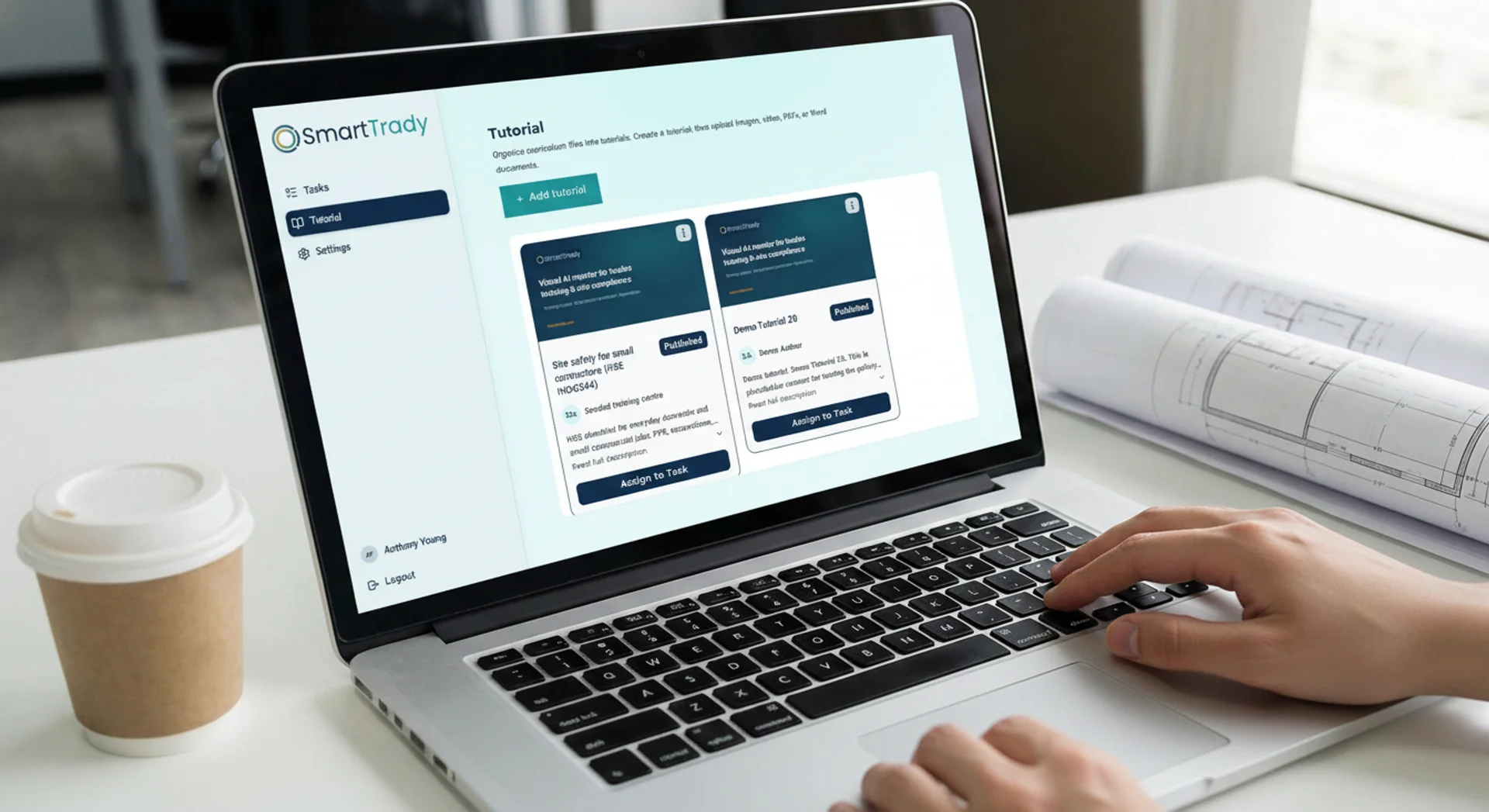
The Business Brain for construction companies
Don't search. Ask.
Your company knowledge lives in folders, inboxes, and people's heads. Smart Trady connects customer conversations, approved documents, and your calendar — so crew and office get answers from one place instead of hunting for the right file or person.
Book a DemoWhy teams switch
Built for specialist trades
Pergolas, garden rooms, glazing, roofing, joinery, landscaping, and regional builders — not generic enterprise software.
Your Knowledge, not the internet
Ask Anything answers from approved company documents and SOPs — not generic AI advice from the web.
Supervisors stay in control
See crew activity, review conversations, assign work, and keep human sign-off on practical checks.
Office time back
Inbox, Leads, and Knowledge in one system — so owners are not buried in email and scattered folders every evening.
Ask Anything — not another search
Crew ask task questions or send photos from any phone. Answers come from your Knowledge and method statements, so mistakes get caught during the job, not at handover.
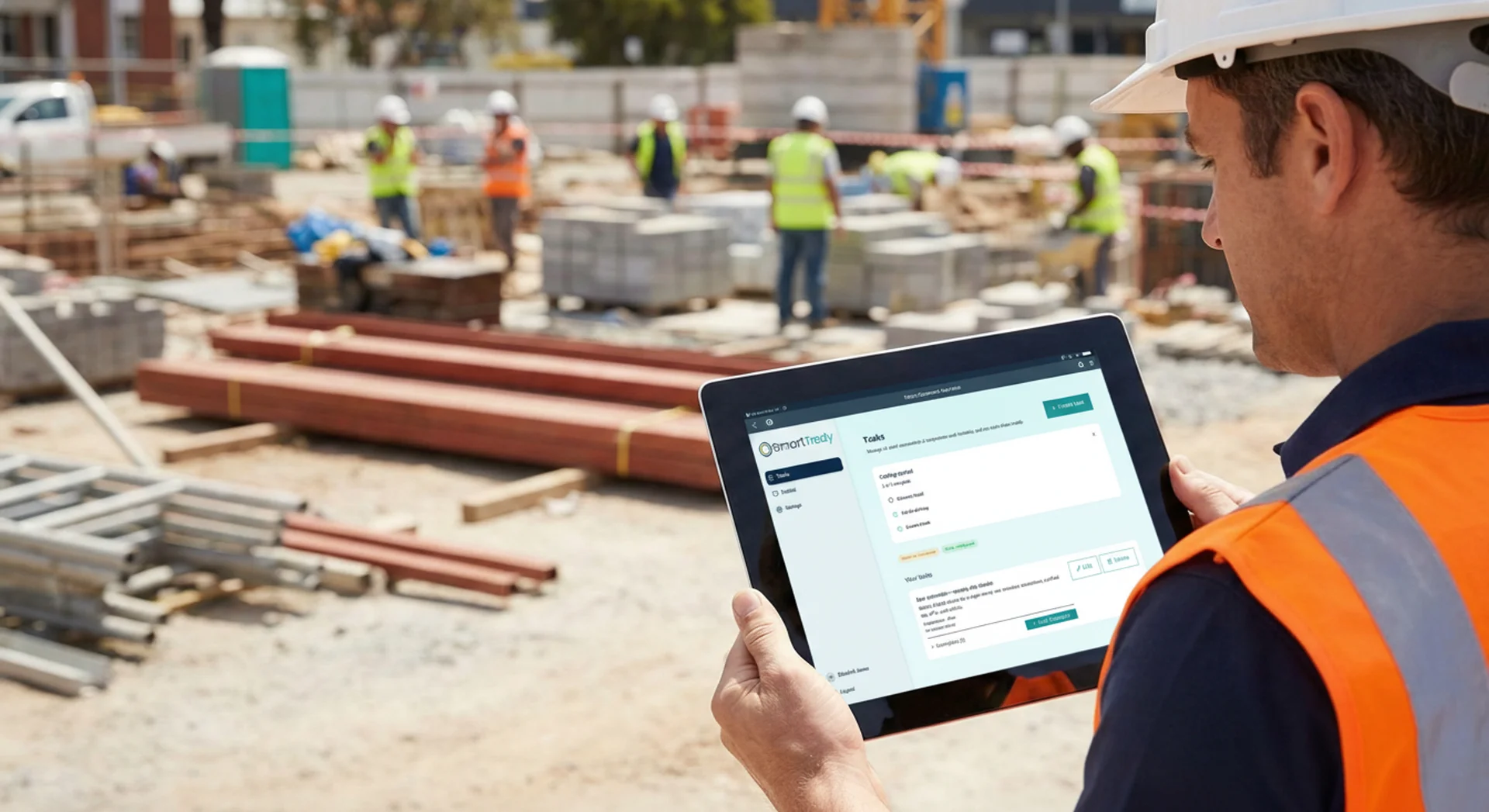
Inbox, Leads, and Knowledge together
Handle customer email and social enquiries in one Inbox, track every lead, and keep approved documents in Knowledge — so nothing slips when you are on site.
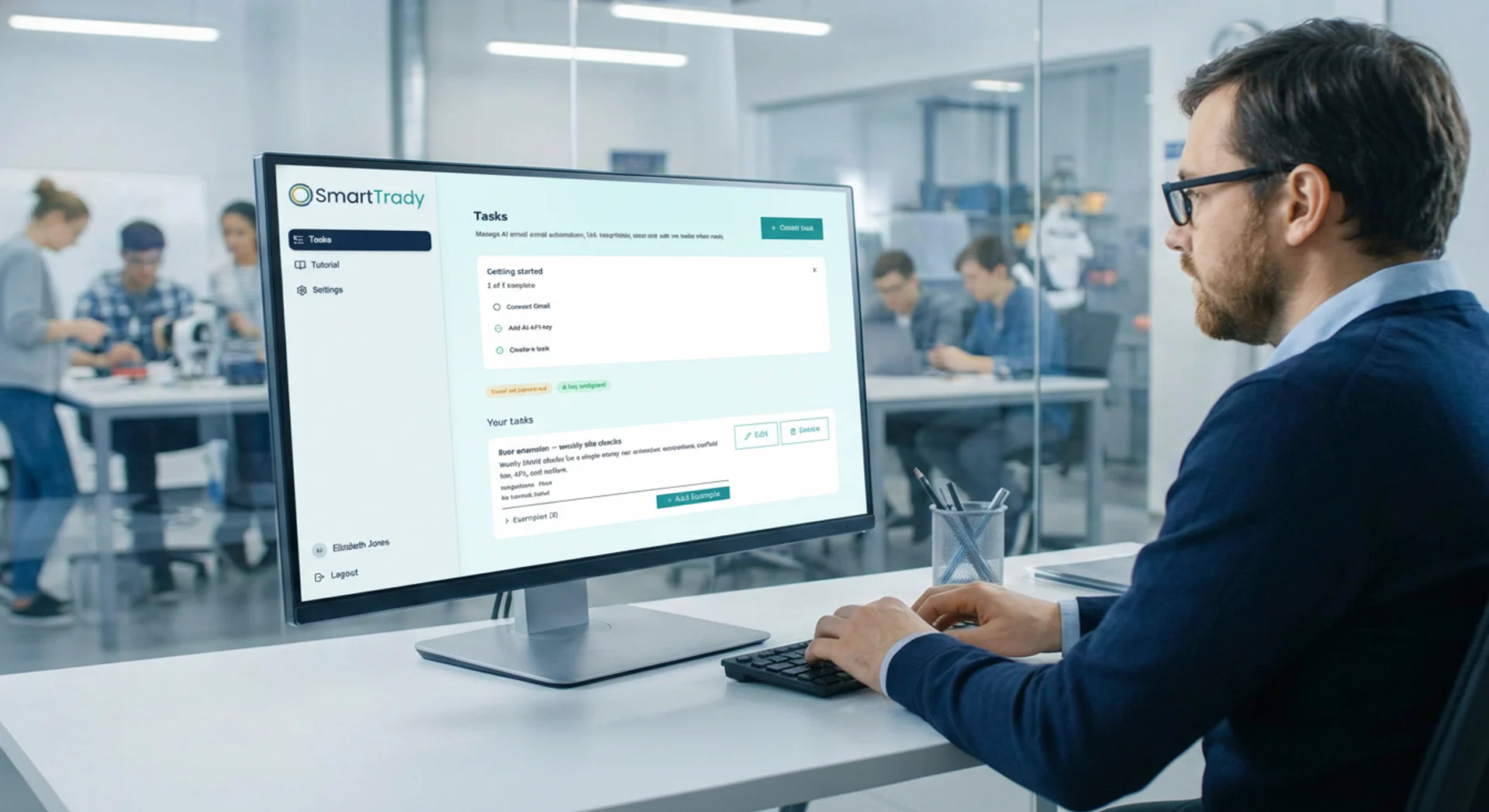
Platform capabilities
Ask Anything, Inbox, Leads, Knowledge
Four surfaces that connect your site and office — grounded in the documents and conversations you already have.
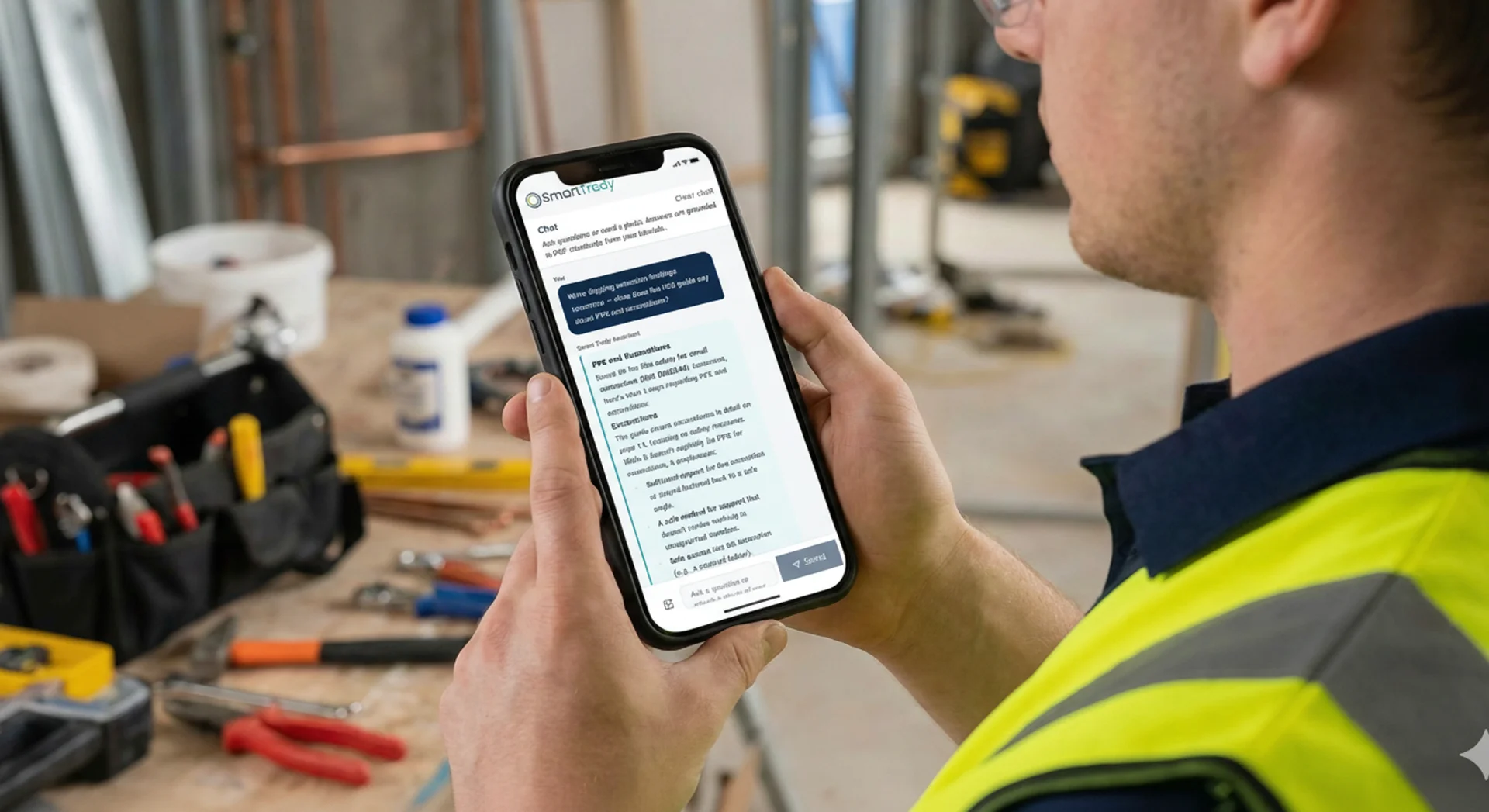
Ask Anything
Persistent Q&A on site or in the office — jobs, SOPs, schedule, pricing. Crew attach photos or video and get coaching from your standards, not a web search.
Inbox
Customer email and social enquiries in one place. Suggested replies from your pricing and Knowledge — your team always reviews and sends.
Leads
Lightweight enquiry tracking from first contact through quote or job — without a heavy CRM your team will not use.
Knowledge
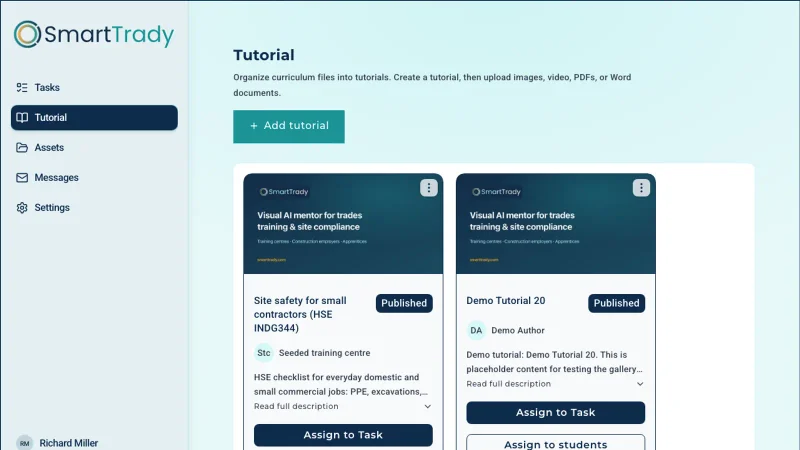
Approved method statements, safety docs, and pricing in one searchable base — connected to Ask Anything and Inbox so answers stay consistent.
Start with one site. Prove it works.
Scope a pilot on your SOPs, Inbox, and Knowledge. When the team sees fewer lost enquiries and faster answers on site, roll out across your workforce.
Ask Anything on site
Crew ask about tasks, attach photos or short video, and get answers from your approved Knowledge — any phone browser, no app download.
Knowledge your team trusts
Method statements, pricing, and safety docs in one approved base — not scattered folders or outdated PDFs.
One Business Brain, three views
Smart Trady connects the job site to your office — crew, supervisors, and admins run on the same Knowledge, Inbox, and Leads.
Ask on site
Ask Anything from any phone browser. Send photos or short video. Answers from your Knowledge and SOPs — step-by-step when you need it.
What it connects
One Business Brain for site and office
Customer conversations, company documents, Google Drive, your calendar, and approved Knowledge — linked so Ask Anything can answer from what you already use, not generic web advice.
Explore
See how it works for your team
Built for pergolas, garden rooms, glazing, roofing, joinery, landscaping, and regional building contractors.
For employers · Pricing · Resources · Rework cost calculator